There are two reasons you might be having trouble logging into your COVE Studio account:
- You get an error message saying that your credentials are not correct.
- When you login, you are redirected back to the login page in what appears to be an endless loop.
First, make sure that you’re logging in using the correct button. COVE users should use the “Login through COVE” button, not “User Name and Password.”
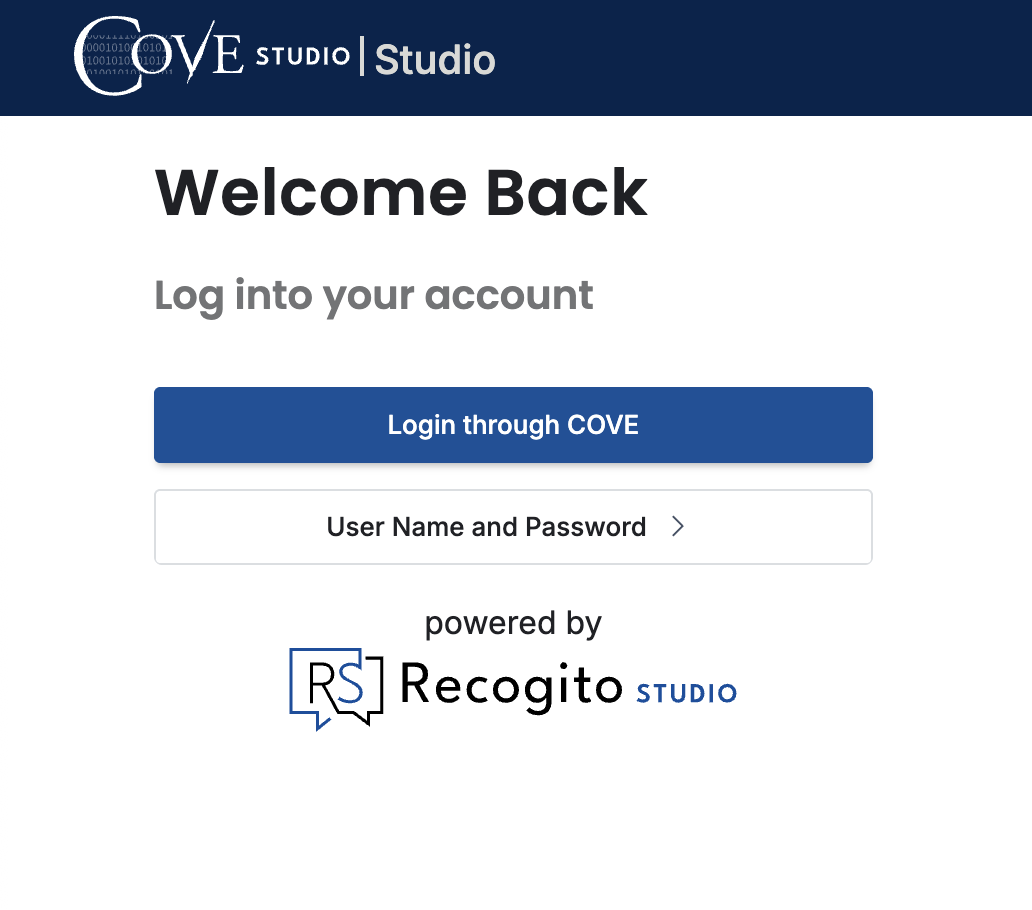
If you use “User Name and Password,” your credentials will not work.
COVE and NAVSA also have different login credentials now. Please make sure that you are using your COVE credentials, as NAVSA credentials will not work. Using the second login button or NAVSA credentials usually lead to the first error. For instructions on how to reset your COVE Studio password, please see this post.
When you click the “Login through COVE” button, you should see the following screen:
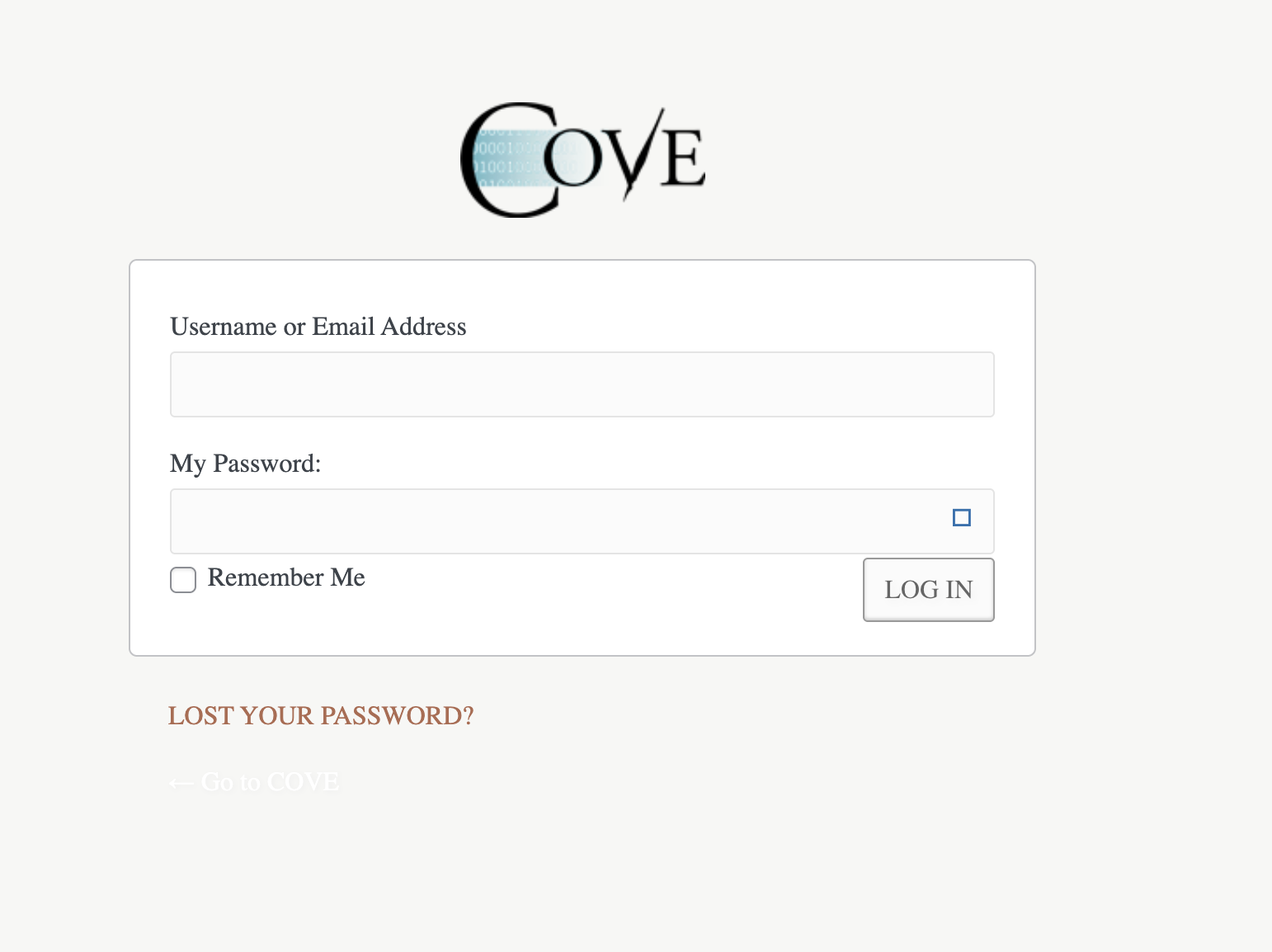
Enter your COVE credentials here.
At this point, if you are redirected to the login screen again, you should clear your browser cookies. Most likely, expired credentials are stored in your cookies, and you’ll need to clear them before attempting to login again.
Note: Clearing your browser cache will not resolve the issue, as login data is stored in cookies. Please be sure to clear cookies before trying to login again!