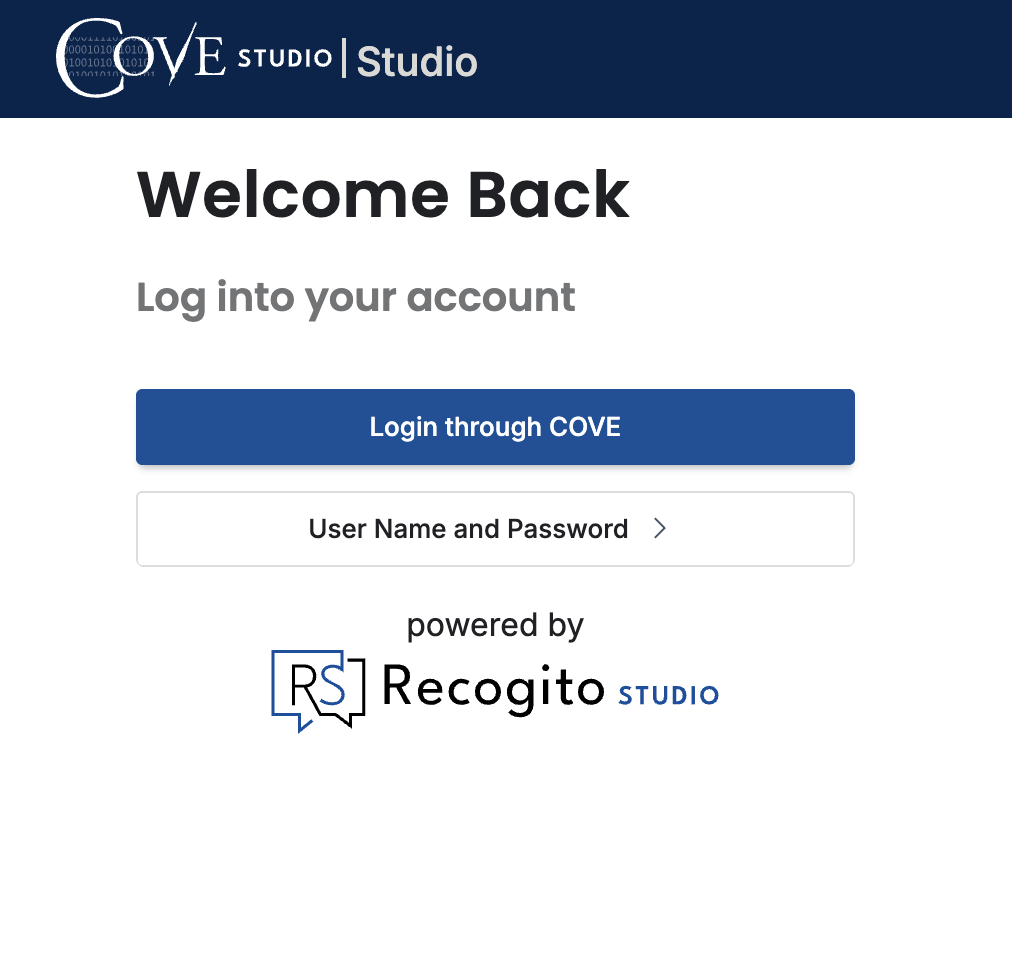
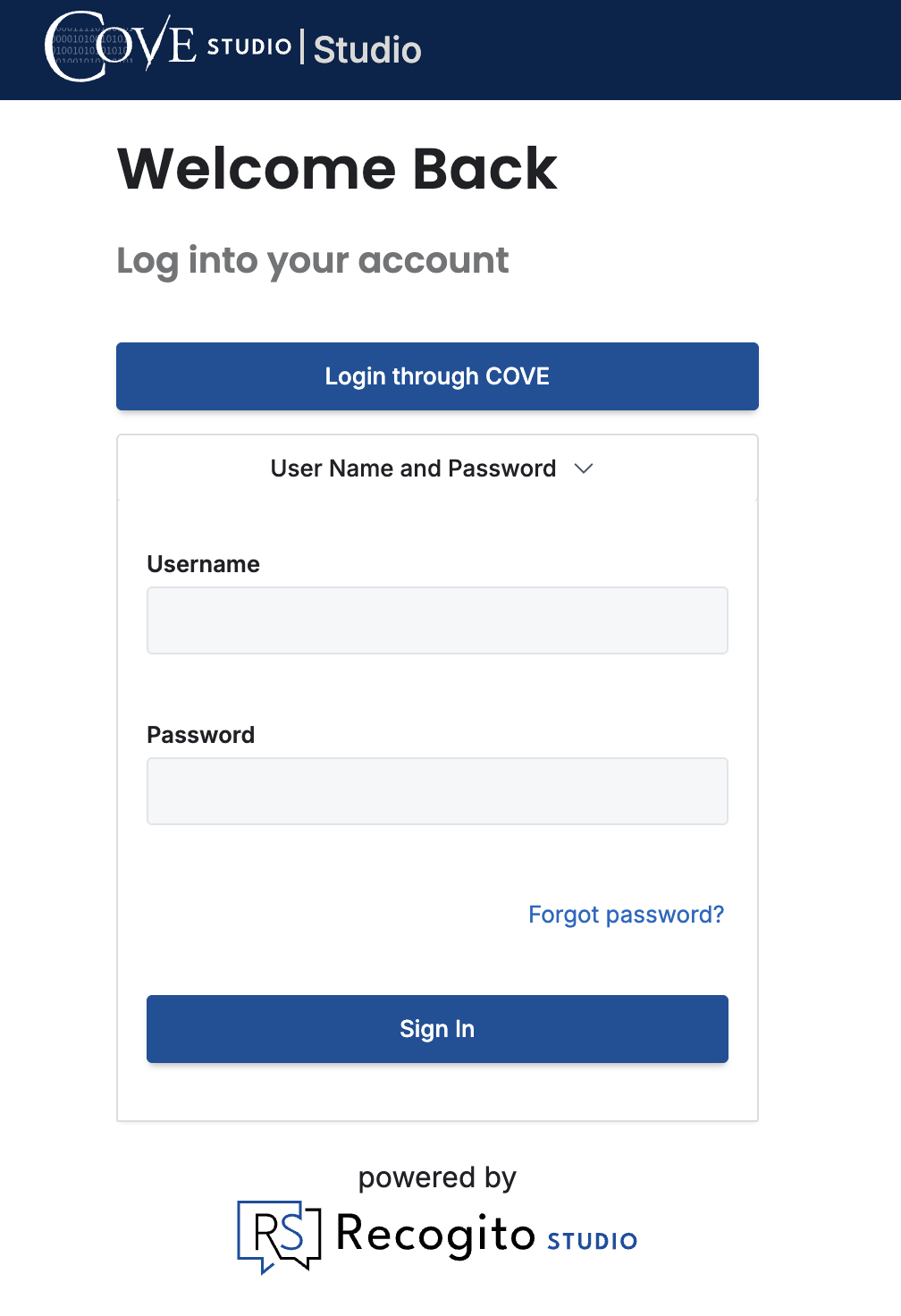
To reset your COVE Studio password, first click the “Login through COVE button”:
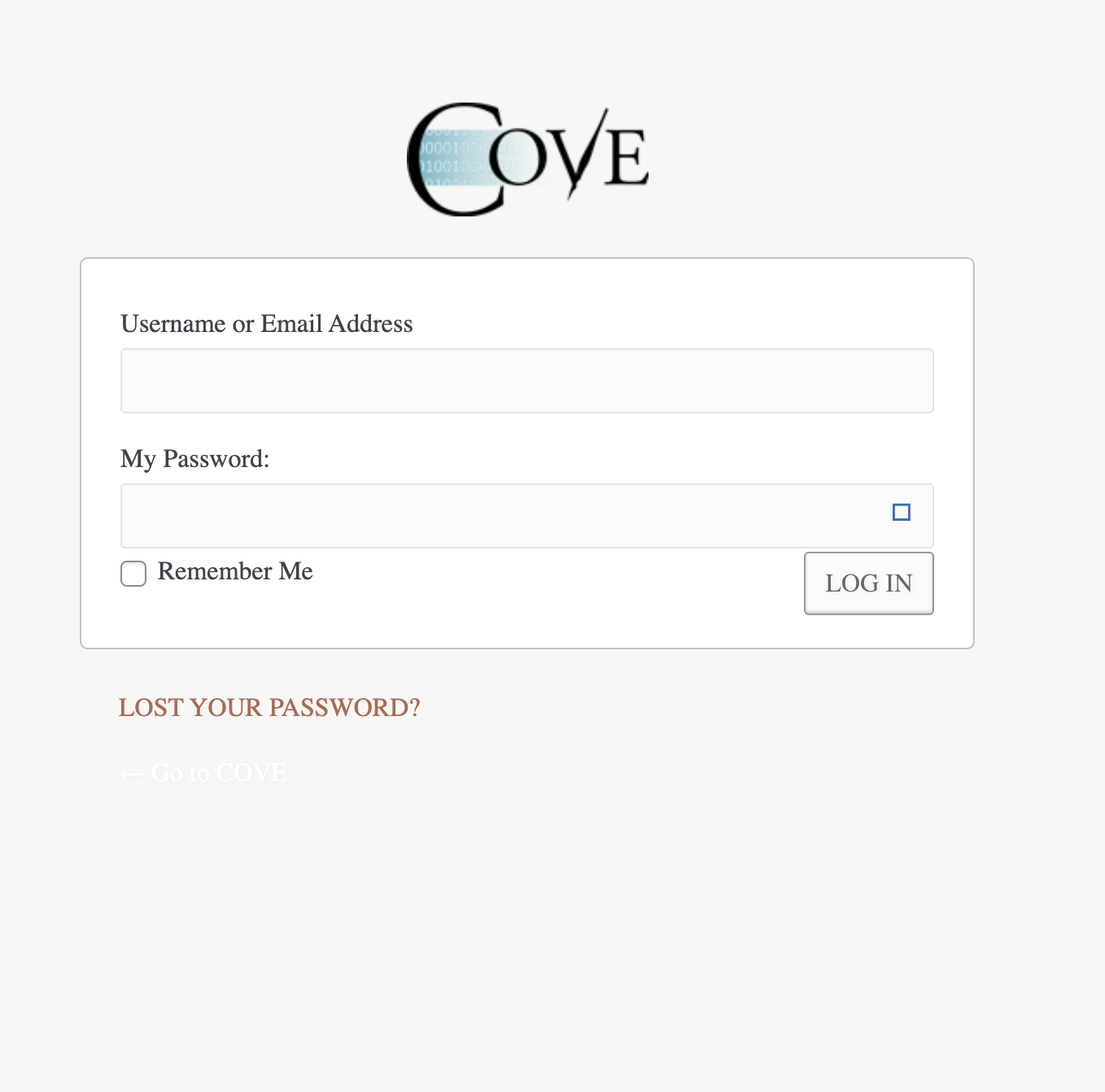
On this page, click the link that says, “LOST YOUR PASSWORD?”
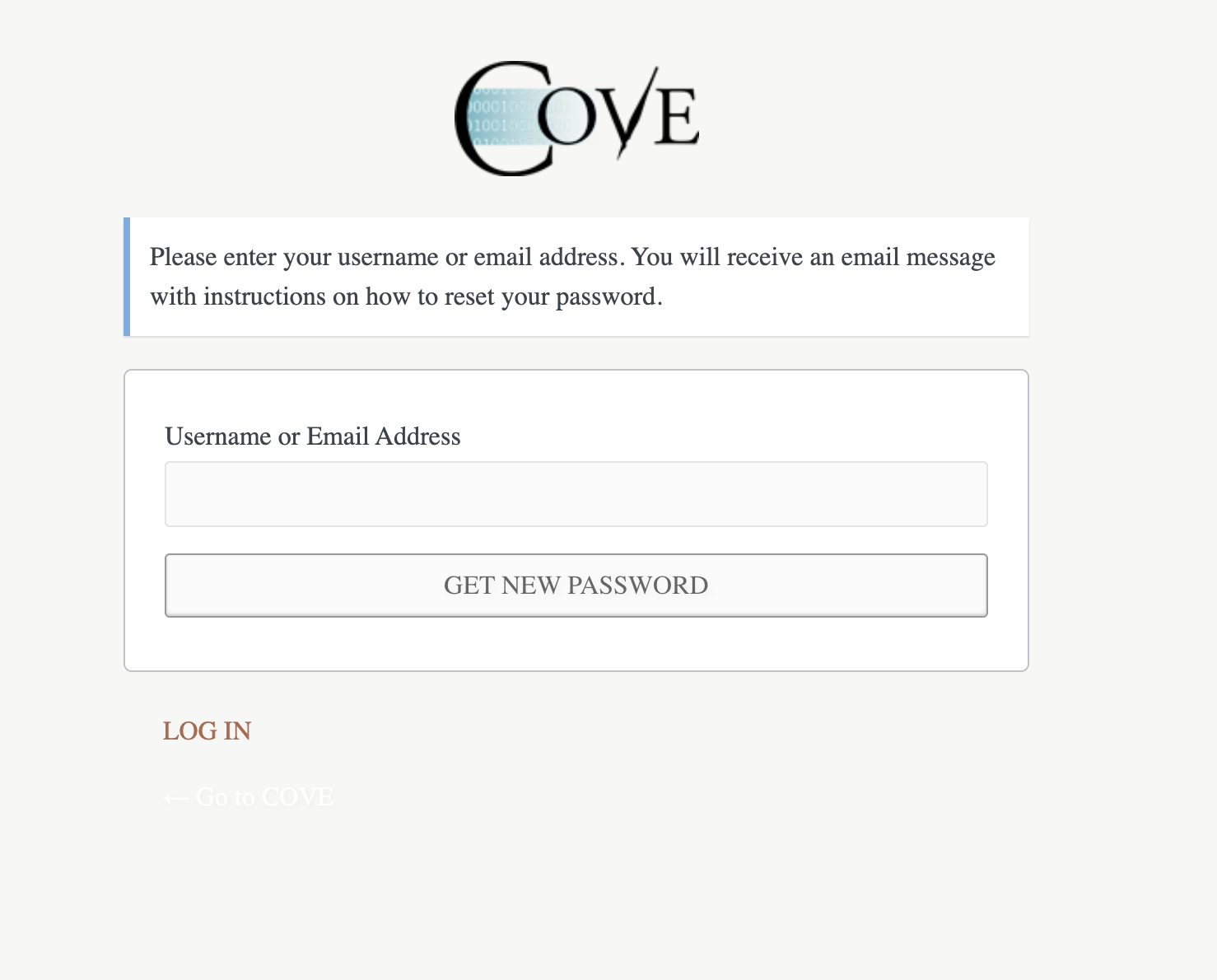
Enter your COVE username or email address:
Follow the link that is sent to your email address. You will see a page that looks like this with a password that is pre-filled.
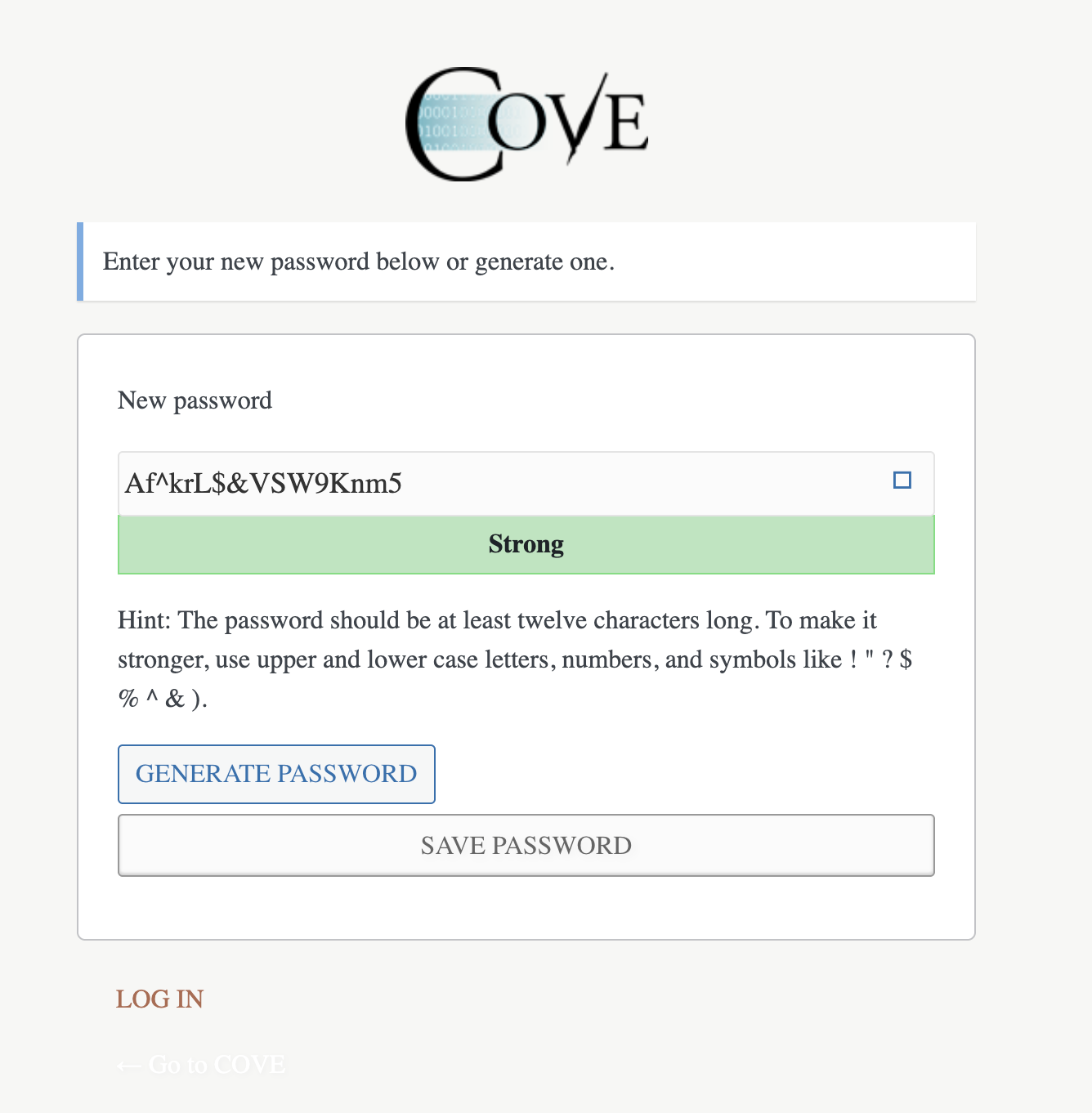
You can delete this password and enter one of your choice as long as it meets the requirements that are described in the hint.
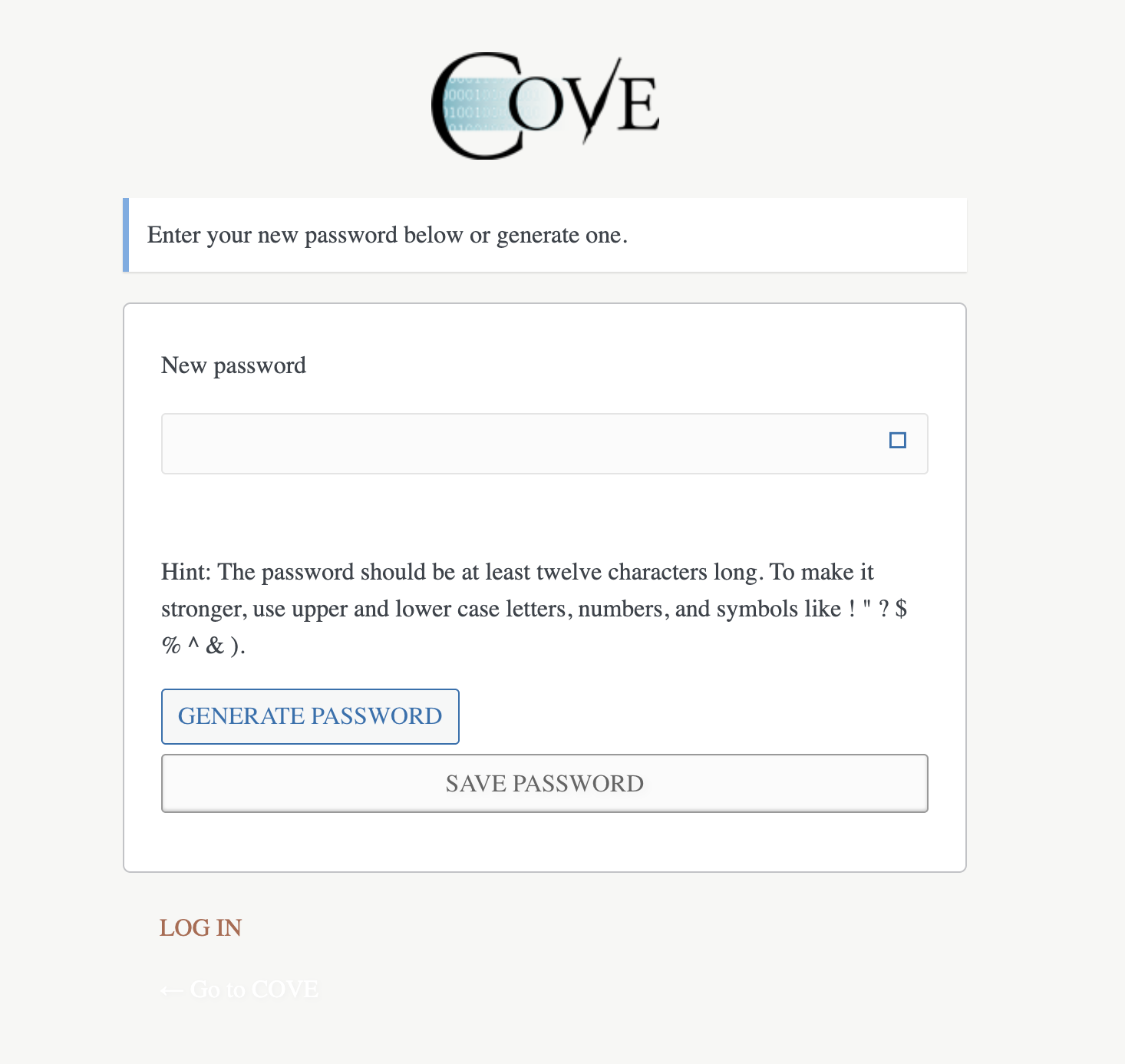
Once you create your new password, you will be prompted to login.
Note: You cannot update your COVE Studio password via the “Forgot password?” link under “User Name and Password.” This is for a different login system that is not for COVE users. If a COVE user tries a password reset via the second button, no password reset email will be sent.
If you’re having trouble logging into COVE Studio, please see this post.